Disclaimer: This content is for informational purposes only and does not replace professional medical advice, diagnosis, or treatment. Always consult a qualified healthcare provider before beginning any new exercise program.
You’ll start by selecting a flat, level surface and laying a non‑slip rubber mat to keep the unit steady, then verify that at least 12 inches of clearance exists between the desk underside and the fully extended pedals. Next, secure the base with M6 × 12 mm screws tightened to 1.5 Nm, align each pedal arm using a bubble level, and tighten side screws within ±2 mm. After attaching the magnetic resistance knob, you’ll calibrate the LCD with a full 360° rotation and confirm noise stays below 55 dB—steps that set the stage for a safe, ergonomic setup.
Key Takeaways
- Choose a flat, stable surface; use a non‑slip rubber mat and verify ≤ 1 mm shift after a one‑minute seated test.
- Ensure ≥ 12 inches clearance under the desk and between pedal tops and desk surface; adjust chair height for 90‑degree knee angle.
- Secure the base with M6 × 12 mm screws tightened to 1.5 Nm; level each pedal arm within ±2 mm using a bubble level.
- Install magnetic resistance knob, calibrate the LCD display, and test noise levels (≤ 40 dB low, ≤ 55 dB medium).
- Perform weekly cleaning, tighten bolts to ~0.5 Nm every 2‑3 months, and apply silicone lubricant to pivots semi‑annually.
Pick a Flat, Stable Surface for Your Under‑Desk Elliptical
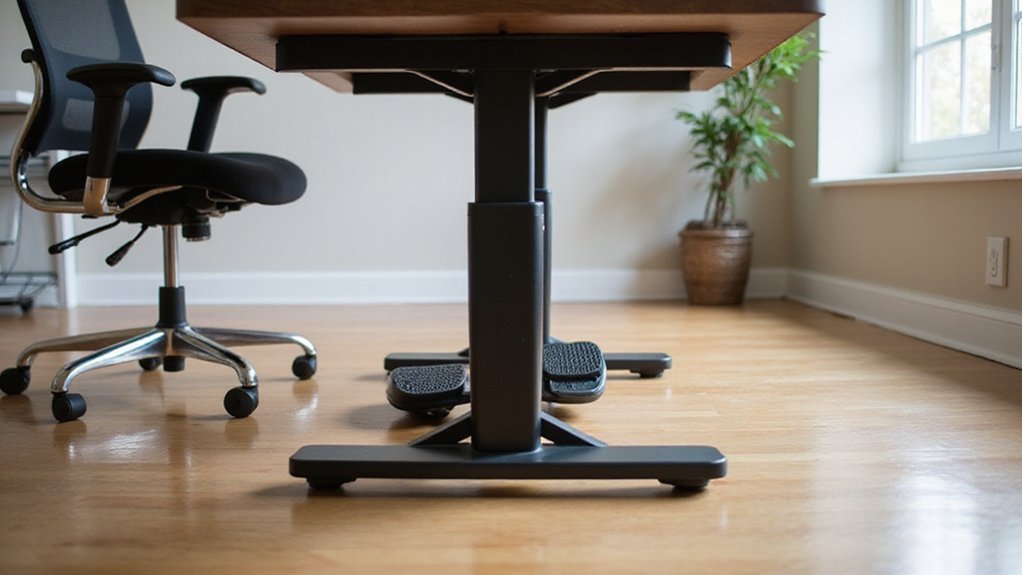
If the floor isn’t level, the elliptical will wobble, so start by selecting a flat, stable surface. Test the area with a level; any deviation over 2 mm across the machine’s footprint demands correction.
Make sure the floor support can bear the elliptical’s 20–30 lb weight plus dynamic leg pressure without flexing. Remove carpet pile, rug edges, or loose tiles that could shift under load.
Place a non‑slip mat or rubber pad beneath the device; the pad adds friction, protects the floor, and contributes to wobble prevention. Verify at least 12 inches of clearance between the desk underside and pedals at full extension, so the elliptical operates without obstruction.
This preparation guarantees a secure, vibration‑free workout environment.
Check Desk Height and Chair Compatibility for the Elliptical
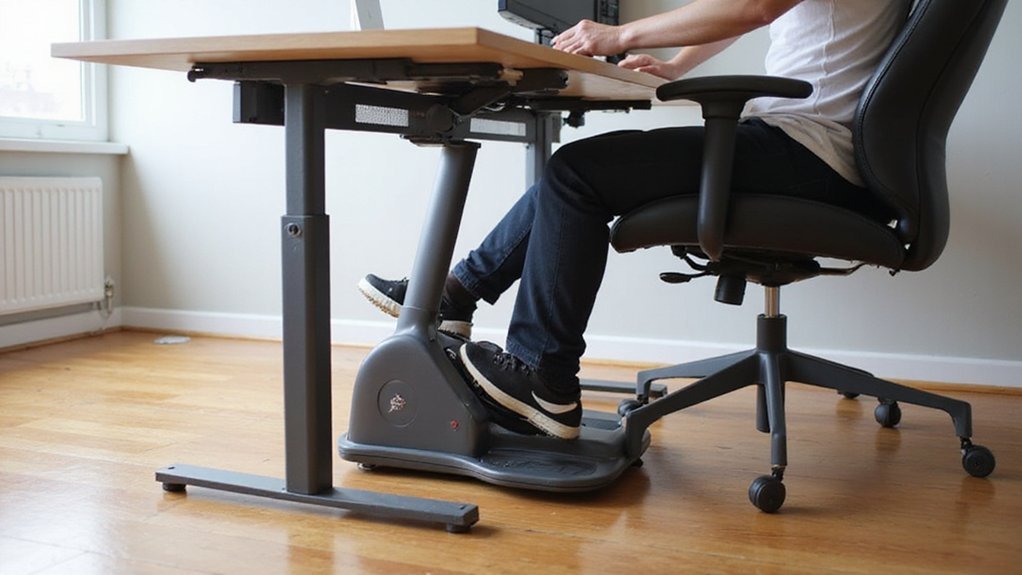
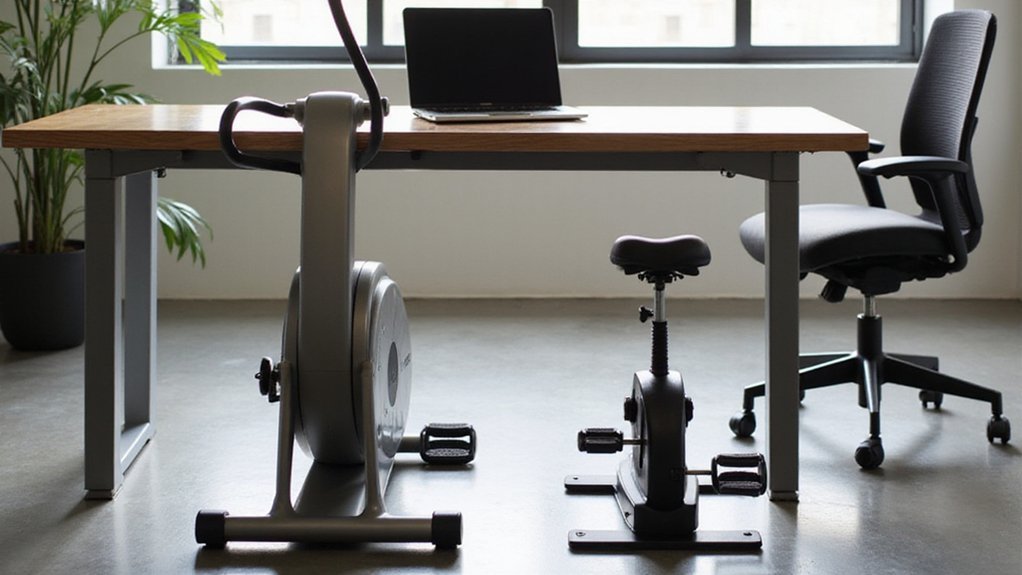
After confirming a flat, stable surface, measure the clearance from the floor to the underside of your desk; most under‑desk ellipticals need 12‑14 inches to allow the pedals to move freely.
Next, verify desk clearance against the elliptical’s footprint; a typical width of 20‑24 inches must fit without impeding arm movement or keyboard access.
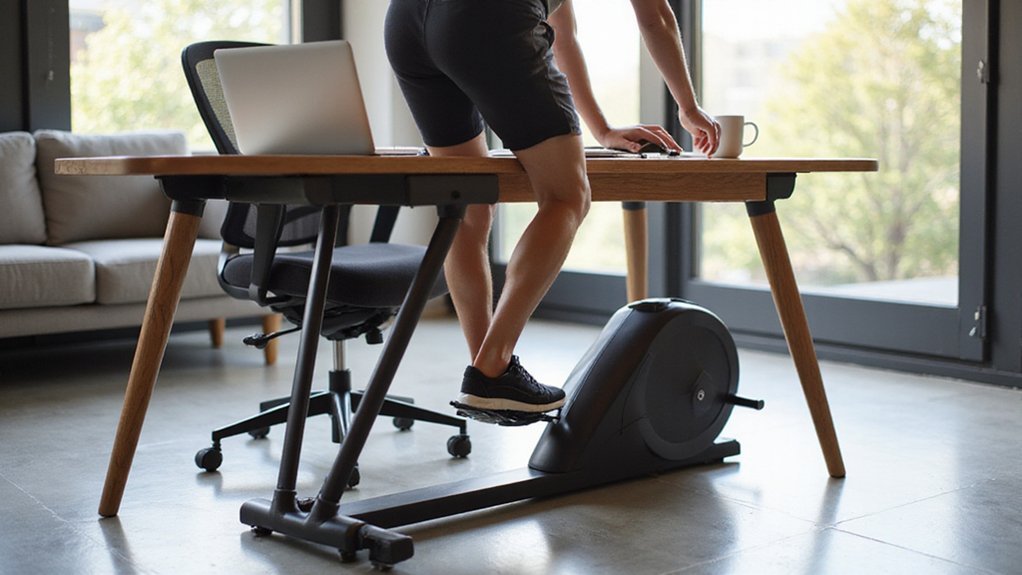
Adjust your chair seat height so your knees form a 90‑degree knee angle when the pedal tops sit just below the desk surface.
Guarantee the stable chair base is non‑rolling or add a non‑slip mat to prevent shift during use.
If you have an adjustable desk height, set it to leave at least 2‑3 inches of pedal clearance between the pedal top and desk top, avoiding knee contact.
This alignment guarantees ergonomic posture and smooth operation.
Unbox and Assemble the Elliptical
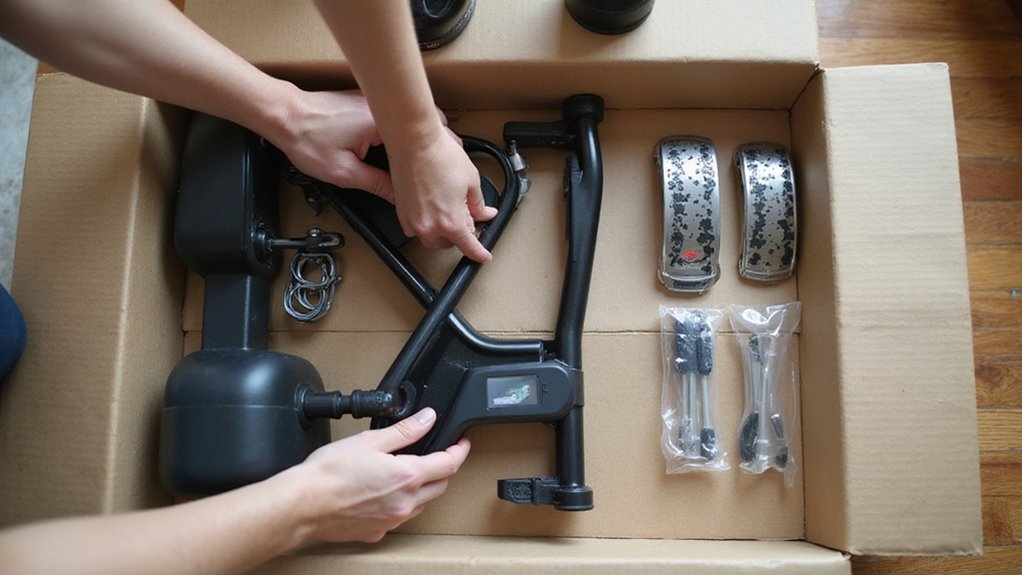
Begin by opening the box and discarding the cardboard, then lay the two plastic tabs on a flat surface to release the pre‑assembled frame.
You unbox the elliptical components, verify part numbers, and set the frame upright.
Attach the magnetic resistance knob by aligning its screw holes with the base, then tighten the Allen‑key until the knob rotates smoothly without wobble.
Snap the LCD display panel onto the rear mounting bracket, confirming the connector clips click securely and the screen faces outward.
Install the non‑slip rubber feet on the base, tightening each screw to torque 0.5 Nm to lock the unit in place.
Finally, test pedal glide; if resistance feels uneven, adjust belt tension with the tension screw until motion is fluid and quiet.
Secure the Elliptical Base and Attach Pedal Arms
Place the elliptical on a flat, non‑slip surface and press the base firmly into the floor; a rubber‑coated base or a ½‑inch anti‑scratch mat will reduce movement during use.
Align the base‑ pre‑drilled holes with the pedal‑arms mounting brackets, then insert the supplied M6 × 12 mm screws. Use a torque wrench to tighten each screw to 1.5 Nm, eliminating wobble.
Check each pedal arm with a bubble level; adjust side‑screws until both arms sit within ±2 mm of horizontal.
After tightening, engage the lock‑pin on each pedal arm, confirming the click into the recessed groove.
Apply a 30‑lb downward force to test stability; if shift occurs, re‑tighten bolts and place a silicone washer under the base for extra friction.
Plug In and Calibrate the Digital Display
To power up the elliptical, insert the supplied AA battery or connect the USB‑C cable, then confirm the display illuminates within two seconds.
Press Menu, scroll to Calibration, and select Start; the unit will record a full 360° pedal rotation for accurate step counting.
Keep the resistance setting at its lowest position during this pedal rotation to prevent drift.
When the rotation ends, the digital display flashes Done and automatically resets the step‑per‑revolution ratio to the factory default of 48 steps per pedal cycle.
For accuracy verification, pedal for 30 seconds at a moderate pace and compare the displayed step count to the expected ~15 steps.
If the numbers differ, repeat the cal procedure until the display matches the expected count.
Adjust Resistance and Incline to Your Desired Intensity
When you’ve calibrated the display, adjust the magnetic resistance knob to set the workout intensity; each click typically adds 5‑10 % more torque, letting you fine‑tune effort without altering pedal speed.
Select an adjustable resistance level that matches your target cardio intensity—start at level 2 for warm‑up, progress to level 5‑6 for moderate effort, and reserve level 7‑8 for brief, high‑exertion bursts.
Since the desk model lacks a physical incline, use incline simulation by raising resistance while keeping cadence at 40‑60 RPM, which mimics a steeper hill.
Monitor perceived exertion on the Borg Scale, aiming for 12‑14 (moderate) to stay within 50‑70 % of max heart rate.
If auto‑mode resistance is available, program a 5‑minute interval cycle (low, medium, high) to automate intensity changes.
Align Pedals and Fine‑Tune Foot‑Strap Tension
Need? get the pedals positioned so your knee stays slightly bent—about 10–15°—when the crank is fully extended, preventing over‑extension and preserving a comfortable stride length.
First, perform pedal alignment by centering the foot‑strap holes horizontally with each pedal’s midpoint. Use a level for level adjustment; both pedal tops must be equal within 2 mm.
Next, tighten the strap while measuring slack: aim for 2–3 cm of free movement, ensuring ankle flexion. Apply a 5 kg downward force to test foot‑strap tension; the strap should resist without allowing foot slip.
After a 30‑second pedal test, re‑evaluate tension and turn the strap tension knob a quarter‑turn if the foot shifts. This systematic slack measurement and adjustment guarantees consistent knee angle and reliable foot slip prevention.
Test Motion Smoothness and Noise Before the First Session
Before you start your first workout, verify that the elliptical moves smoothly and stays quiet.
Place the under‑desk elliptical on a non‑slip mat and pedal at low resistance; you should hear a consistent hum below 40 dB, like a quiet conversation.
Rotate the pedals slowly (≈ 30 rpm) and watch for foot‑plate glide; any wobble or uneven motion 2 mm signals mis‑alignment that needs tightening.
Use a decibel meter or smartphone app while pedaling at medium magnetic resistance; acceptable office noise stays ≤ 55 dB.
Confirm the magnetic resistance knob turns with smooth rotation, no clicking or grinding, across all eight levels.
Perform a one‑minute seated test run with both feet, then check that the base shifts less than 1 mm, ensuring stability and minimal vibration transmission.
Maintain Your Elliptical for Quiet, Long‑Term Use
Even if you’ve already verified smooth motion, regular maintenance is essential to keep your under‑desk elliptical quiet and reliable over time.
| Task | Frequency |
|---|---|
| Clean pedestal tracks & magnetic resistance plates | Weekly |
| Tighten mounting bolts with torque wrench (≈0.5 Nm) | Every 2–3 months |
| Apply silicone lubricant to pivots & belt | Every 6 months |
Wipe excess lubricant off before running. Check clearance; guarantee at least 2 inches between the highest pedal and desk surface. Place a non‑slip rubber mat under the unit and lock chair casters or replace them with glides to stop vibration. Inspect mounting bolts for loosening; retighten with the torque wrench to maintain frame rigidity. Periodic cleaning of magnetic resistance plates prevents dust‑induced squeak. Following this schedule preserves quiet operation and extends the elliptical’s service life.
Optimize Ergonomics: Posture, Desk Clearance, and Comfort Tips
When you set up an under‑desk elliptical, start by adjusting chair height so your knees form a 90‑degree angle at the pedal’s lowest point; this alignment minimizes hip and lower‑back strain while keeping the hips centered over the seat.
Verify desk clearance of at least 12‑14 inches to allow full pedal arcs without contact.
Place a non‑slip mat under the unit; it steadies the machine and prevents lateral shift.
Adopt ergonomic posture: spine upright, shoulders relaxed, hips centered, and engage your core throughout each session.
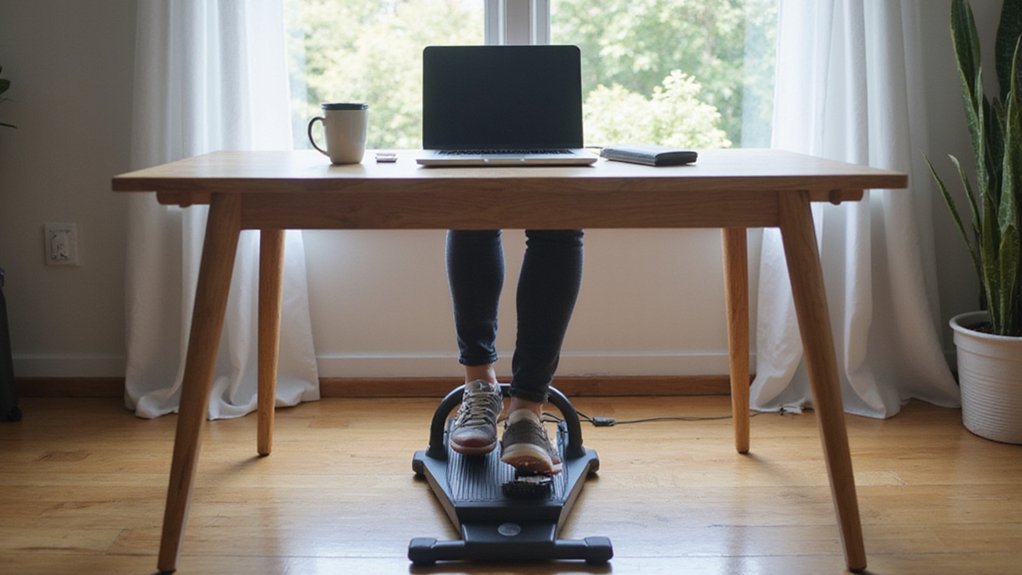
Keep feet flat on the flat pedals with heels down to distribute load evenly.
Raise the monitor to eye level and position the keyboard within easy reach, eliminating forward lean and neck flexion.
These adjustments together guarantee sustained comfort and peak performance.
Conclusion
Now your under‑desk elliptical on a level, non‑slip mat, secure the base with M6 × 12 mm screws to 1.5 Nm, and align the pedal arms within ±2 mm using a bubble level. Calibrate the LCD with a full 360° rotation, keep noise under 55 dB, and set chair height so knees form a 90‑degree angle. Periodically retighten bolts to 0.5 Nm, clean tracks, and apply silicone lubricant to guarantee smooth, quiet operation.