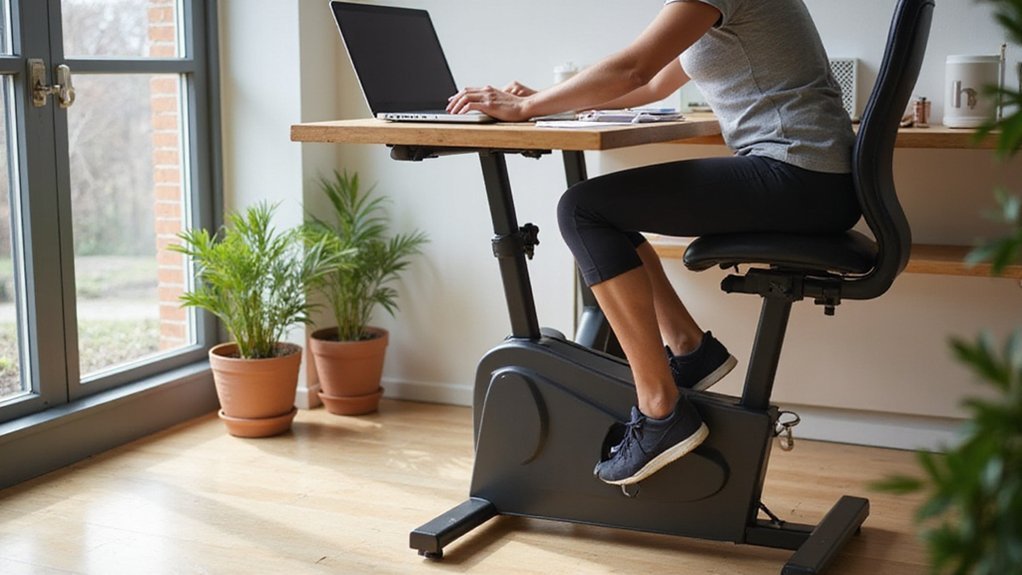
Disclaimer: This content is for informational purposes only and does not replace professional medical advice, diagnosis, or treatment. Always consult a qualified healthcare provider before beginning any new exercise program.
You can keep your inbox open while your feet move, but the experience isn’t as simple as swapping a chair for a treadmill. The elliptical adds subtle motion that can boost circulation and focus, yet it also forces your brain to juggle typing, thinking, and a new rhythm. If you set the resistance low and aim for a steady 45‑55 rpm, your heart rate stays under 100 bpm and distraction stays minimal. The real test is how quickly your body and mind adapt to this split‑attention setup—something you’ll discover as you try it.
Key Takeaways
- Pedaling at low‑to‑moderate resistance (levels 1‑3) maintains a heart rate below 100 bpm, causing minimal distraction while typing or typing.
- A 90° knee angle and upright spine, supported by an ergonomic chair, prevent fatigue and keep posture neutral during extended work sessions.
- Cadence of 45‑55 rpm boosts circulation and focus for demanding tasks; higher cadence (60‑70 rpm) suits low‑mental‑load activities.
- Rotate resistance every 20‑30 minutes (e.g., 1 min higher, 4 min lower) to sustain productivity and avoid monotony.
- Take micro‑breaks every 30 minutes for brief stretches; a non‑slip mat stabilizes the elliptical and reduces visual or physical distraction.
Define the Under‑Desk Elliptical and How It Works While You Type
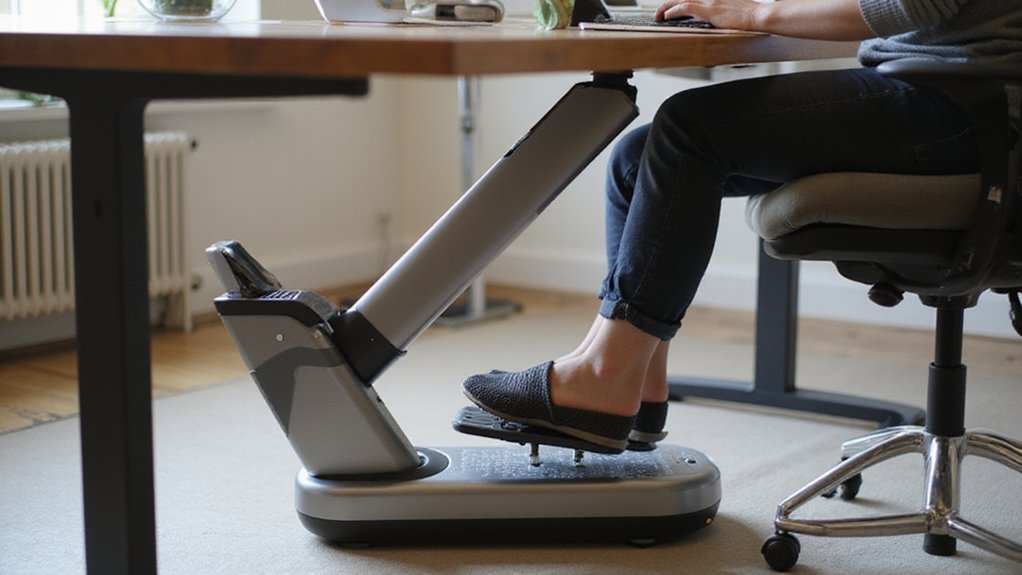
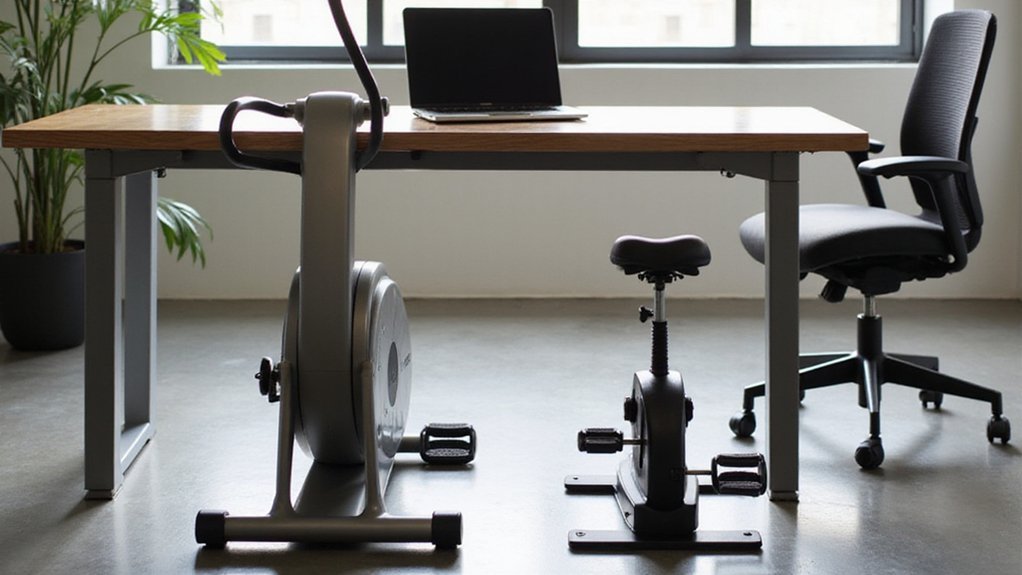
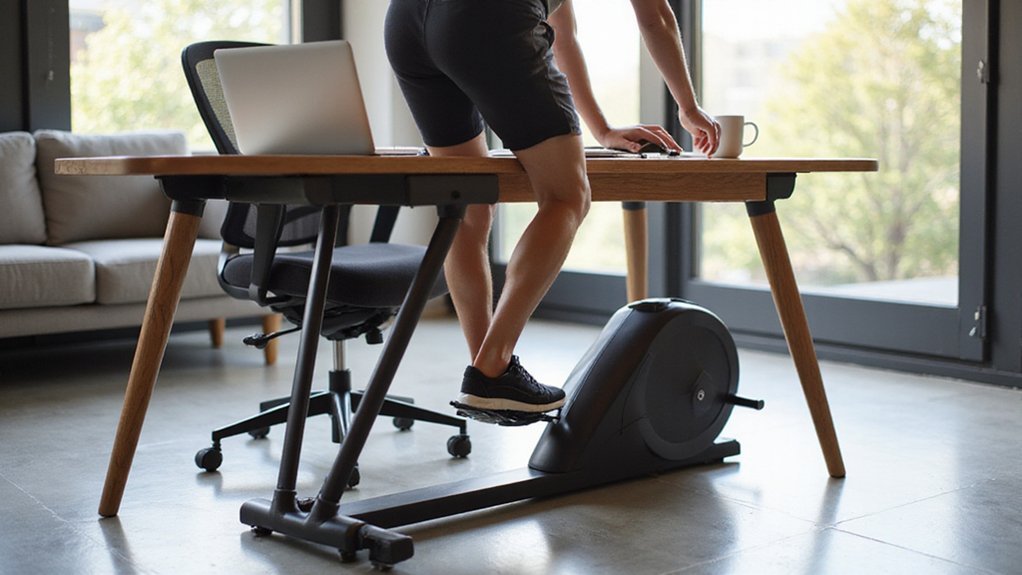
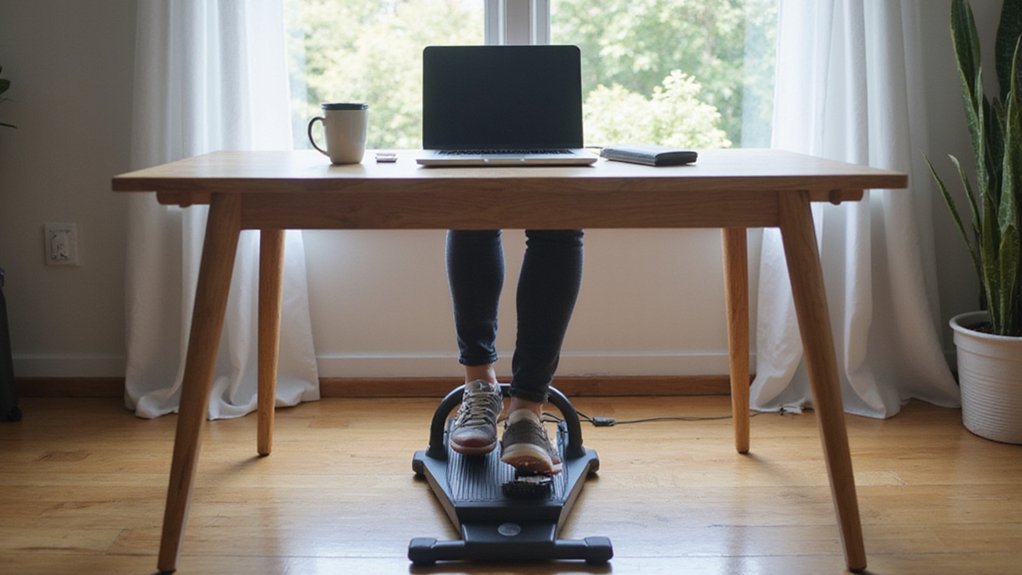
Even while you’re typing, an under‑desk elliptical fits snugly beneath your standard office desk, letting you pedal in a smooth, low‑impact oval motion without lifting your hands.
This compact, magnetic‑drive system slides under any desk, so you keep your forearms on the keyboard while the pedals trace a continuous pedaling motion.
You can adjust 3–12 resistance levels, each adding roughly 0.5–2 Nm of torque, which translates to burning 1–2 kcal per minute for a 70 kg person.
An LCD or Bluetooth display shows RPM, time, distance, and calories in real time, letting you monitor effort without breaking concentration.
Proper ergonomics demand a 90° knee angle and upright spine, ensuring the low‑impact exercise stays comfortable and safe during long work sessions.
Set Up an Ergonomic Workspace for Comfortable Pedaling
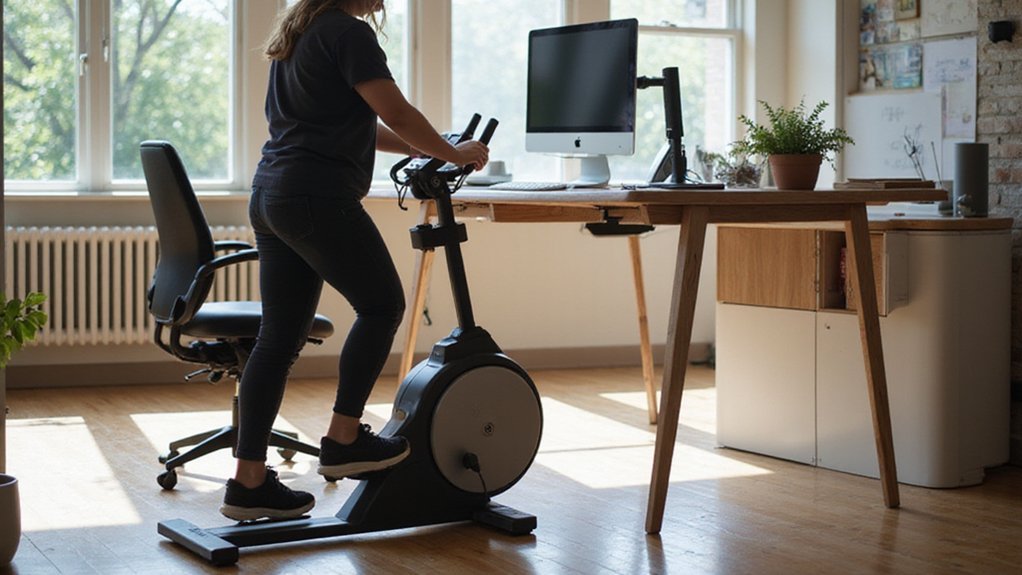
Start by clearing enough space under your desk so the pedals have a 6‑8‑inch clearance, which lets your knees bend comfortably at a 90‑100° angle without hitting the desk.
Next, create an ergonomic workspace that balances comfort and productivity while you use the under‑desk elliptical. Follow these steps:
- Place a non‑slip mat or rubber pad under the elliptical to keep the chair stable and dampen vibration.
- Choose an ergonomic chair with lumbar support; keep hips slightly higher than knees for a neutral spine.
- Align your monitor at eye level, about 20‑30 inches away, and keep forearms parallel to the floor.
- Set the adjustable resistance to a low‑to‑moderate level so pedaling stays smooth and doesn’t interfere with typing.
These tweaks guarantee you stay comfortable, maintain proper posture, and keep your workflow uninterrupted.
Select Resistance and Cadence for Optimal Productivity
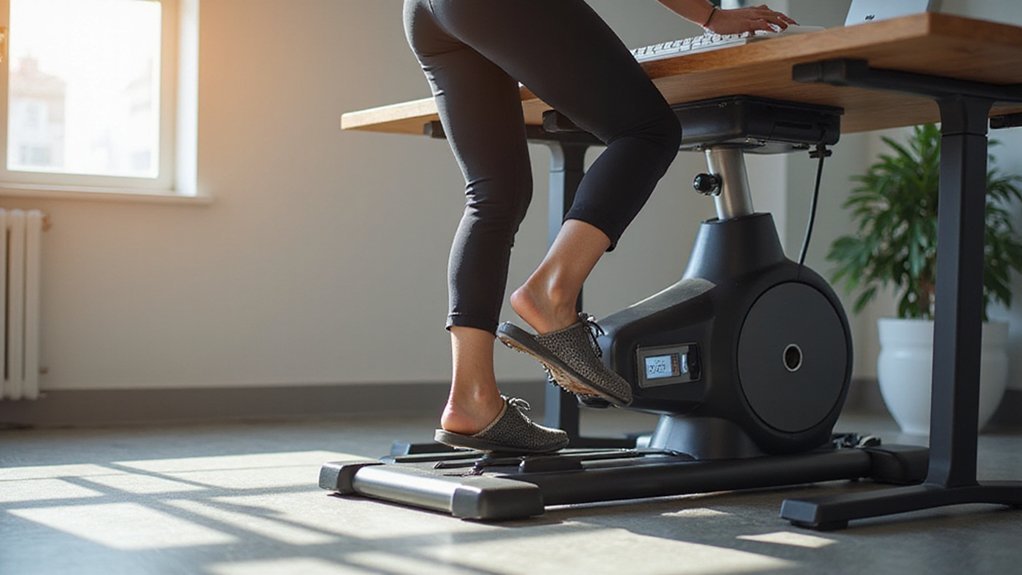
When you pair the right resistance with an appropriate cadence, you keep your mind sharp while your body stays active.
Low resistance (1–2) lets you type comfortably, keeping heart rate under 100 bpm and minimizing distraction.
For short, focus‑intensive tasks, raise resistance to a moderate 3–4 and settle into a cadence of 45–55 rpm; this boosts circulation without causing fatigue.
Routine, low‑mental‑load work—like email sorting—benefits from a high cadence of 60–70 rpm, maximizing calorie burn while staying mentally engaged.
Rotate resistance every 20–30 minutes (e.g., one minute high, four minutes low) to break monotony and sustain productivity.
Keep perceived exertion on a 1–10 scale at 3–4 to guarantee the elliptical supports, rather than hinders, cognitive performance.
Maintain Proper Posture While Pedaling
If you keep your hips slightly above your knees and maintain a 90‑120° bend, you’ll reduce joint strain while pedaling.
Sit upright with a neutral spine, shoulders relaxed, and avoid leaning forward.
Align your elbows with the desk height so your forearms rest comfortably, and use a foot‑rest to keep ankles stable.
Periodically check your posture and stretch every 30 minutes to reset alignment.
- Hip‑to‑knee alignment – keep hips just above knees, preserving the knee bend.
- Neutral spine – engage core, keep shoulders down, avoid forward lean.
- Elbow height – adjust desk so elbows are level with pedals, preventing shoulder elevation.
- Foot‑rest usage – place a cushion under pedals to lock ankles and maintain properure.
Manage Distractions While Using an Under‑Desk Elliptical
Keeping your hips, spine, and elbows aligned sets the stage, tackling the mental interruptions that can arise while you pedal.
First, place a non‑slip mat under the elliptical or use a stable chair base; this eliminates wobble that steals visual focus.
Next, set resistance to a low‑medium level (2–3 of 10) so pedaling stays smooth and doesn’t jolt your keyboard or webcam.
Schedule 5‑minute focus blocks where you pedal continuously while listening to background music or a podcast, then pause for a quick stretch to reset attention.
Finally, enable silent alerts—muted notifications or subtle visual cues—so auditory distractions stay out of the way while you maintain posture and productivity.
Prevent Knee, Back, and Posture Issues While Pedaling
Even a slight misalignment can turn a productive workout into a source of pain, so make sure your knees stay over the pedals with a gentle 15‑20° bend and your hips sit just above them while you engage your core.
Proper posture on an under‑desk elliptical protects knee alignment and lower back health, while micro‑breaks keep muscles supple.
Follow these four steps to stay safe and comfortable:
- Set chair height so thighs are parallel to the floor and knees have 2‑3 inches of clearance.
- Keep hips slightly above knees, spine neutral, and core engaged.
- Use a non‑slip mat or stable chair base to prevent wobble.
- Take a micro‑break every 30 minutes to stretch hamstrings, calves, and hip flexors.
These habits guarantee you pedal efficiently without sacrificing comfort or posture.
Add Quick “Movement Snacks” to Your Workday
Now that your posture is dialed in, sprinkle in short “movement snacks” throughout the day to keep your metabolism humming and your muscles engaged.
A 5‑10‑minute movement snack on an under‑desk elliptical burns roughly 15‑25 calories, which adds up to about 150 calories per hour of cumulative use.
Keep resistance low (levels 1‑2) while you type; your heart rate stays 10‑15 bpm higher, boosting circulation without breaking focus.
Switch resistance every two minutes for interval training—this spikes calf and quad activation by up to 30 % compared with steady pedaling.
Pair each snack with a 30‑second stretch to prevent knee stiffness and support posture improvement.
A silent magnetic‑drive model stays under 40 dB, so you can stay on conference calls without disruption.
Track Your Under‑Desk Elliptical Sessions and Plan Complementary Workouts
If you sync your under‑desk elliptical to a fitness app, you’ll instantly turn every “movement snack” into searchable data, letting you see how long you’ve pedaled, the resistance you used, and the calories you’ve burned.
This fitness app integration lets you spot trends, adjust resistance, and schedule complementary strength training without guesswork. Review the weekly movement snack total each Sunday, then fine‑tune your regimen.
- Log duration, cadence, and adjustable resistance for each session.
- Aim for ≥150 minutes of seated pedaling per week.
- Pair 2–3 × 30‑minute elliptical bouts with 2–3 upper‑body or core strength workouts on alternate days.
- If calories plateau, raise resistance or session length by 5‑10 % and add a 20‑minute full‑body routine on the lightest day.
Conclusion
You’ll find that an under‑desk elliptical can seamlessly fit into your workflow when you keep resistance low, cadence steady, and posture solid. By pairing it with a well‑aligned workstation and brief movement snacks, you boost circulation without sacrificing focus. Track your sessions, tweak the settings as you adapt, and you’ll enjoy sustained productivity while staying active—turning idle minutes into a subtle, health‑enhancing habit.